Agency meeting ops that outlast account lead changes
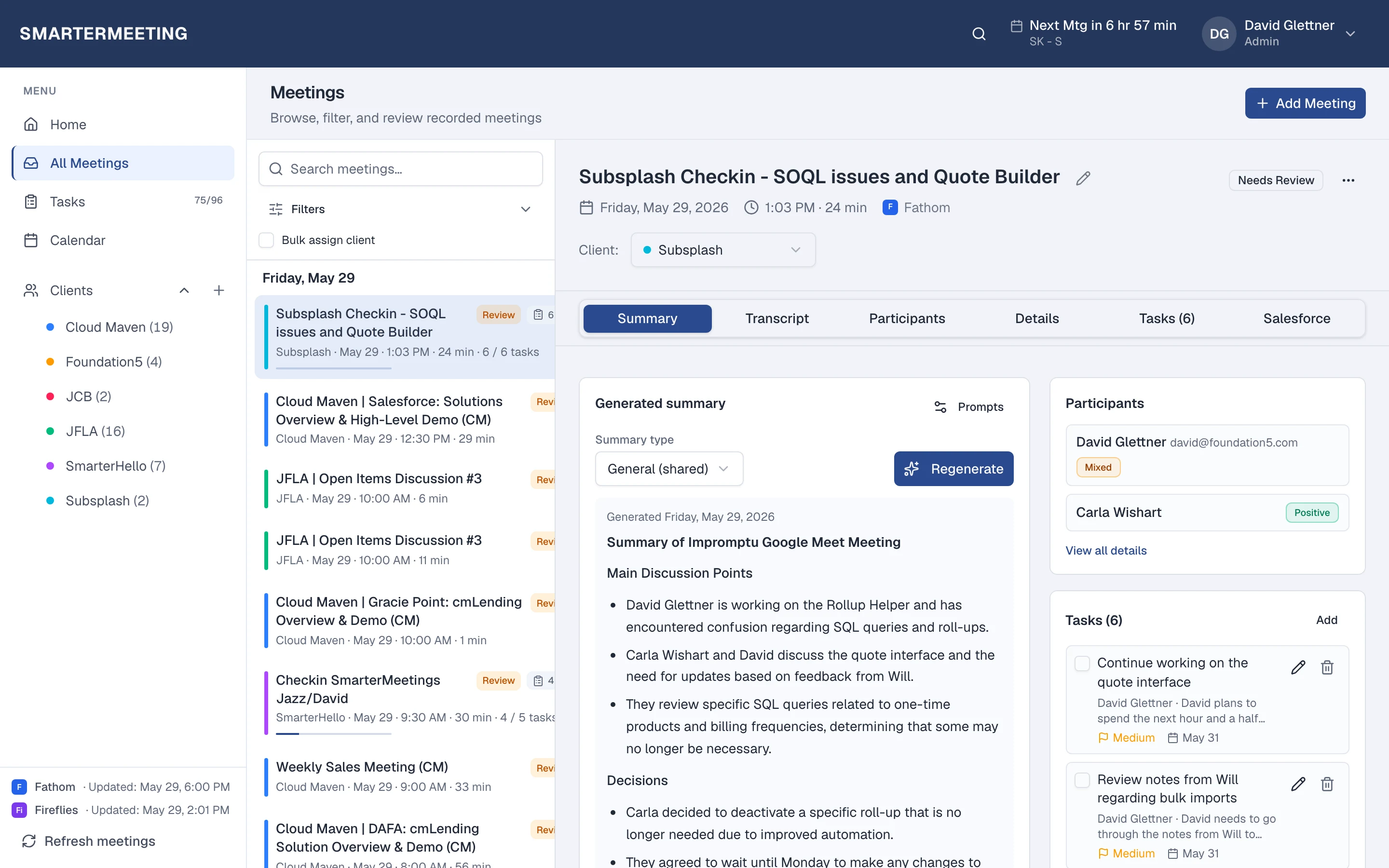
Agencies lose margin when client context lives in personal Fathom accounts and forwarded recap emails. This playbook uses SmarterMeetings as the delivery layer above your recorders—one inbox per user, client tags, review status, and tasks tied to engagements.
Start free trial
Mon: review queue
Unreviewed calls
Tag & tasks
Per client
Wed: client prep
Filter timeline
Fri: mark reviewed
Partner QA
1. Standardize capture, not recorders
Don't force every client onto one notetaker. Connect the providers your teams already use—Fathom, Zoom, Meet, Fireflies—and enforce follow-up discipline in SmarterMeetings instead.
Compare native tools vs adding a follow-up layer when procurement asks why you need another subscription.
2. Tag every external call to a client
Client tags are the backbone of agency ops. Bulk-assign from the meeting list when clearing a backlog; filter by client before steering committee prep.
When an account lead goes on PTO, the next PM opens the client view—not a scavenger hunt through Slack links.
3. Run a weekly review queue
Partners skim unreviewed calls each week. Mark reviewed when tags, tasks, and internal notes are committed. Home surfaces the queue so Monday prep starts with work, not archaeology.
Our blog on weekly meeting review walks through the cadence in more detail.
4. Optional CRM for hybrid delivery + sales
When the same firm runs delivery and new business, Salesforce logging on Pro/Team plans keeps pipeline honest without a parallel note system for sales.
Frequently asked questions
- Can each practice area use different recorders?
- Yes. Connect multiple provider accounts. Every meeting lands in the same inbox with identical tagging and task workflows.
- How do new PMs get client history?
- Filter meetings and tasks by client. Transcripts, summaries, and review status stay in the workspace—not in a departed employee's personal account.