
CRM integration
Salesforce call logging without copy-paste
Log calls, link Accounts and Opportunities, push summaries as tasks, and apply AI-suggested field updates from meeting context.
Revenue teams lose hours re-keying call notes into Salesforce. SmarterMeetings closes that gap: sync meetings from Fathom, Zoom, Teams, and more, then push summaries and tasks to the records your reps already work in—without a separate integration project or brittle Zapier chains.
- Log completed calls with meeting summaries attached
- Link meetings to Accounts, Contacts, Opportunities, and Leads
- Push AI-suggested field updates from transcript context
- Create tasks from action items without leaving the workspace
- Keep pipeline current for reps who live in video calls
Step-by-step workflow guides: Fathom to Salesforce → · Call logging playbook → · Salesforce vs SmarterMeetings →
Plans with Salesforce
Personal Pro includes Salesforce for solo operators; Team adds shared workspaces and seat billing for revenue pods and agencies.
- Personal Pro$45/month
- Team$50/seat/month
For revenue teams
Reps shouldn't choose between selling and CRM hygiene
High-performing reps stack client calls all day. The bottleneck isn't recording—it's the twenty minutes after each Zoom re-keying notes, updating stages, and creating follow-up tasks in Salesforce.
SmarterMeetings syncs meetings from Fathom, Zoom, Teams, and the rest, then pushes summaries and suggested field updates to the records your team already owns. The call log stays accurate while the conversation is still fresh.
Actual workspace · live account
In the product
CRM actions on the meeting detail
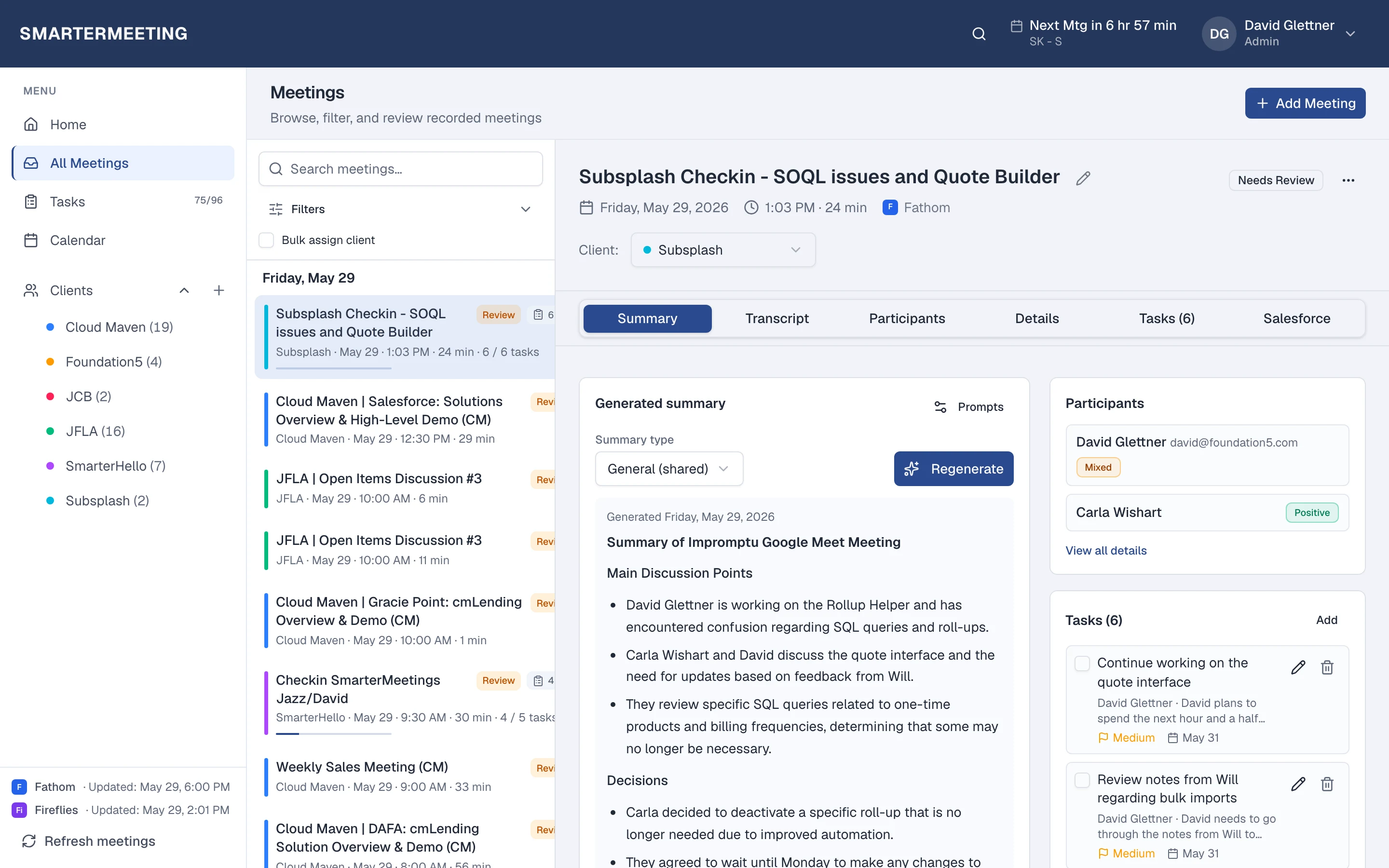
Link an Account or Opportunity from the meeting panel, log the call with one click, and review AI-suggested updates grounded in transcript context before you apply them. Tasks extracted from the call stay in SmarterMeetings until your process sends them to Salesforce.
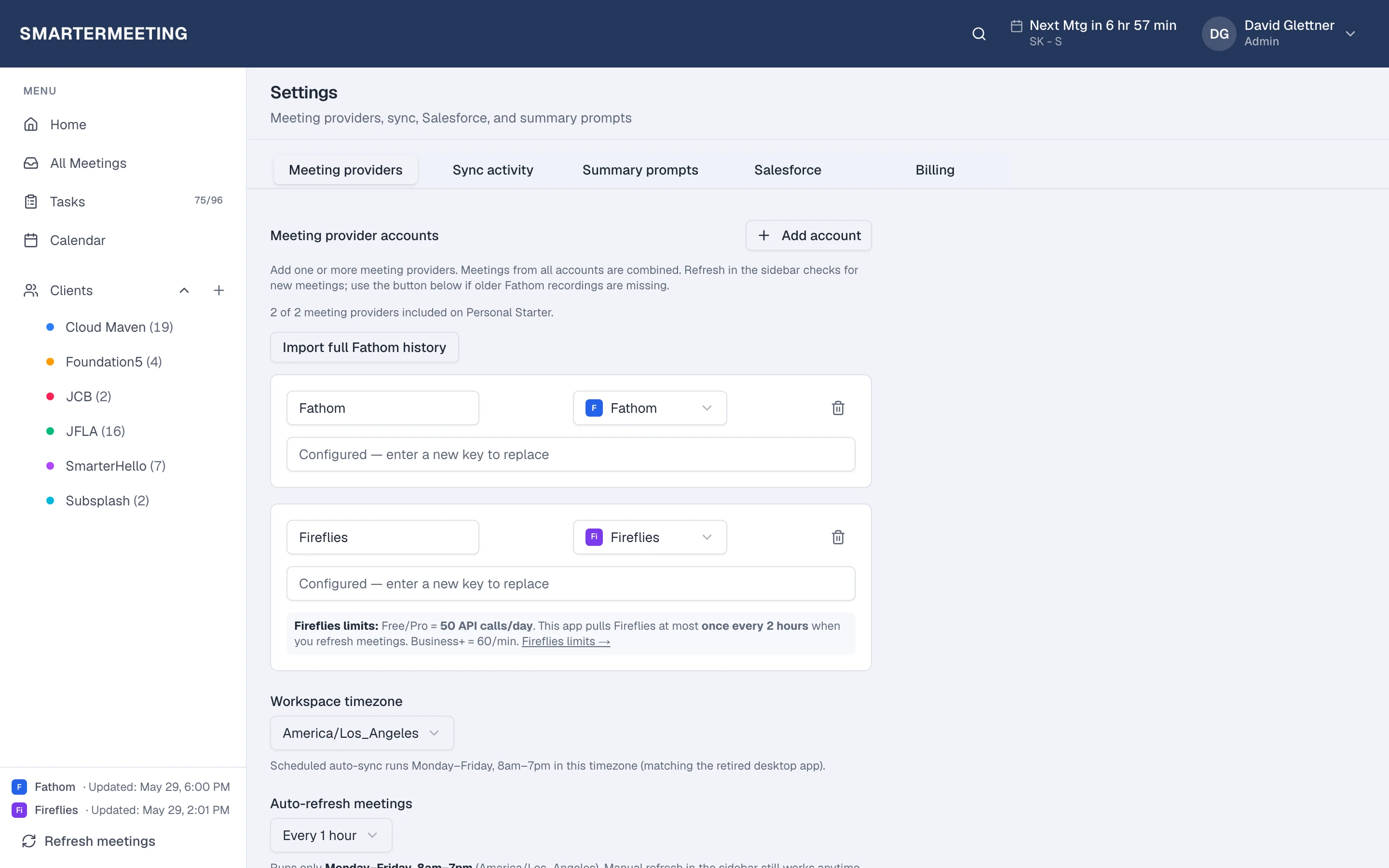
Owners configure the Salesforce org once in Settings; reps inherit the connection without managing OAuth themselves.

For agencies
Delivery and sales on one client timeline
Consultants tag calls to clients for delivery context; sales logs the same account's pipeline activities from their recorder. SmarterMeetings keeps both streams in one workspace so handoffs don't depend on forwarded emails.
When leadership asks what was promised on the last renewal call, filter by client and read transcripts plus logged Salesforce activities—not a scavenger hunt across personal Fathom accounts.
Frequently asked questions
- Which SmarterMeetings plans include Salesforce?
- Personal Pro ($45/month) and Team ($50/seat/month, 4-seat minimum). Personal Starter does not include CRM integration.
- Does AI write to Salesforce automatically?
- No. Reps review AI-suggested field updates with transcript evidence and approve each write. Summaries and tasks push only when selected.
- Which meeting providers work with Salesforce logging?
- Any provider you connect—Fathom, Zoom, Teams, Fireflies, and six more. CRM push is provider-agnostic once meetings sync.
- Can we use a Salesforce sandbox?
- Yes. Admins connect sandbox orgs in Settings to validate mappings before production rollout.
- What Salesforce objects are supported?
- Link and log to Accounts, Contacts, Opportunities, and Leads. Push summaries and create Tasks from meeting action items.
Related reading
Salesforce guides & CRM articles
Log calls with summaries attached, link Accounts and Opportunities, and approve AI-suggested field updates from transcript context—no copy-paste.
- Salesforce vs SmarterMeetingsRead more →
- CRM meeting logging guideRead more →
- Salesforce field updates guideRead more →
- Salesforce logging without copy-pasteRead more →
- Sync Fathom to SalesforceRead more →
- RevOps pipeline hygiene from meetingsRead more →
- Zoom to Salesforce — what to logRead more →
- Salesforce meeting assistant guideRead more →
- Opportunity update automationRead more →
- Follow-up automation guideRead more →
- Activity capture alternativeRead more →
- Use case: Salesforce adminsRead more →
Browse all topics on the guides hub.