
Comparison guide
Webex hosts secure calls. SmarterMeetings unifies follow-up.
Keep Webex for enterprise video. Run client organization and CRM across Webex, Zoom, Teams, and more.

Cisco Webex provides enterprise-grade meetings, recordings, and increasingly capable AI assistance for summaries and catch-up.
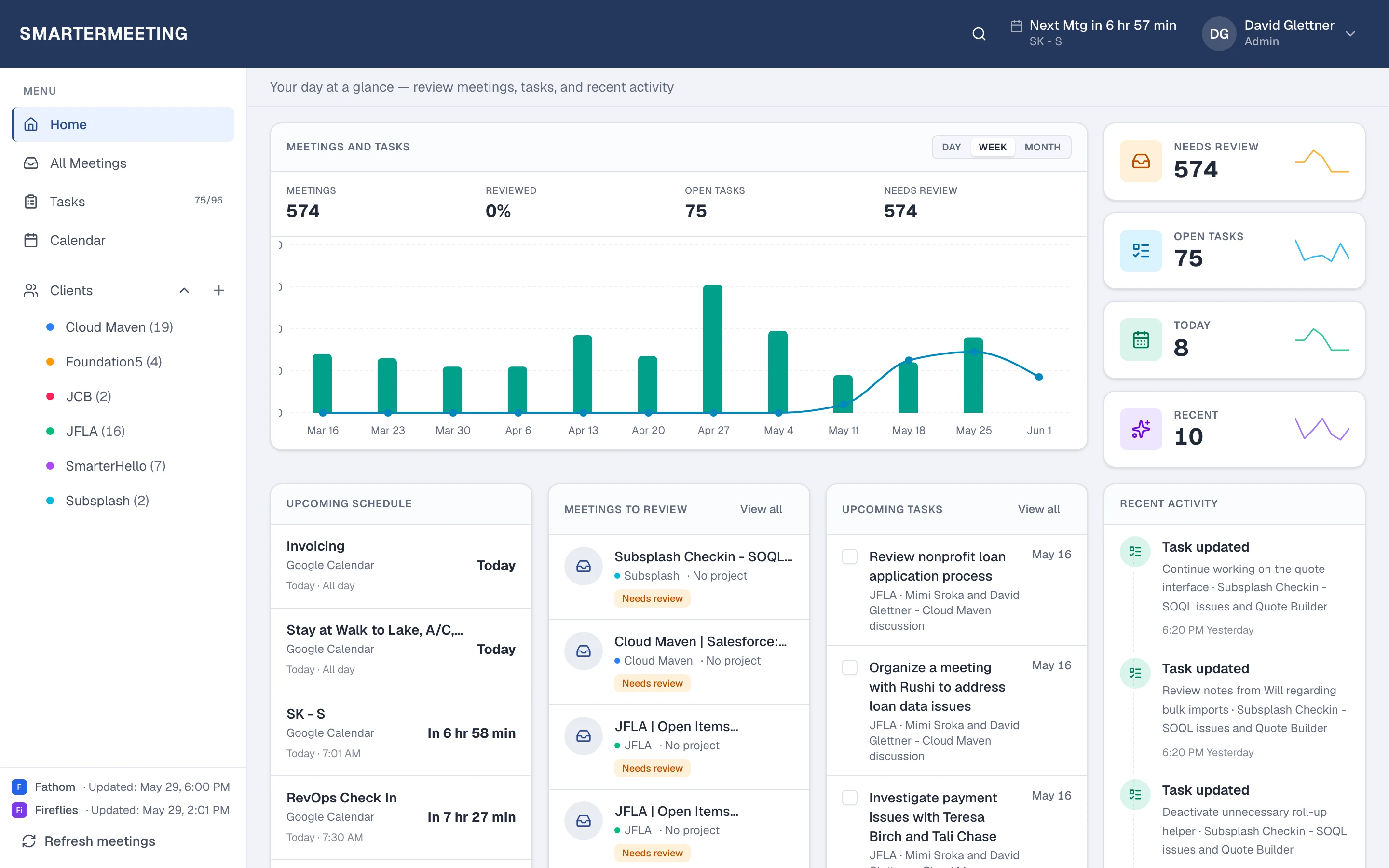
Hybrid enterprises often use Webex for some accounts and Zoom or Teams for others. SmarterMeetings connects Webex via OAuth and normalizes follow-up so security-conscious teams do not maintain separate processes per platform.
Webex meetings & Webex AI Assistant vs SmarterMeetings
A side-by-side view of what each tool is built for—not a replacement, but complementary roles in your stack.
| Capability | Webex meetings & Webex AI Assistant | SmarterMeetings |
|---|---|---|
| Enterprise video meetings | Yes — Webex core | OAuth sync into unified inbox |
| Webex AI summaries | Yes (licensing) | Summary + custom prompts in workspace |
| Cross-platform client history | Webex-only | All providers in one list |
| Client organization | Manual | Client tags & review workflow |
| Salesforce | Manual / separate tools | Integrated on eligible plans |
When Webex meetings & Webex AI Assistant is enough
- Webex-only environment with no external client recorders
- Internal meetings without CRM logging
- Teams satisfied with Webex-native search only
When teams add SmarterMeetings
- Webex plus Zoom/Teams/Fathom for different clients
- Consulting or CS teams needing client tags
- Salesforce call logging from Webex meetings
- Review status queues for account coverage

SmarterMeetings connects to Cisco Webex via OAuth. See setup details on the Cisco Webex integration page.
How teams use both together
- 1
1. Connect Webex
OAuth with your Webex organization.
- 2
2. Connect other providers
Add Zoom or Teams for hybrid stacks.
- 3
3. Log to Salesforce
Structured summaries for revenue teams.
Frequently asked questions
- Is SmarterMeetings approved for enterprise Webex shops?
- SmarterMeetings uses OAuth and syncs only meeting content you authorize—designed to complement Webex, not replace it.
- Can we keep Webex AI Assistant?
- Yes. SmarterMeetings adds client organization and CRM workflow on top of Webex-captured meetings.