
Comparison guide
Loom records async updates. SmarterMeetings ties them to clients.
Keep Loom for walkthroughs. Centralize async Loom and synced calendar calls in one follow-up workspace.

Loom is excellent for async video messages, screen recordings, and quick stakeholder updates. Loom AI helps summarize long videos for viewers.
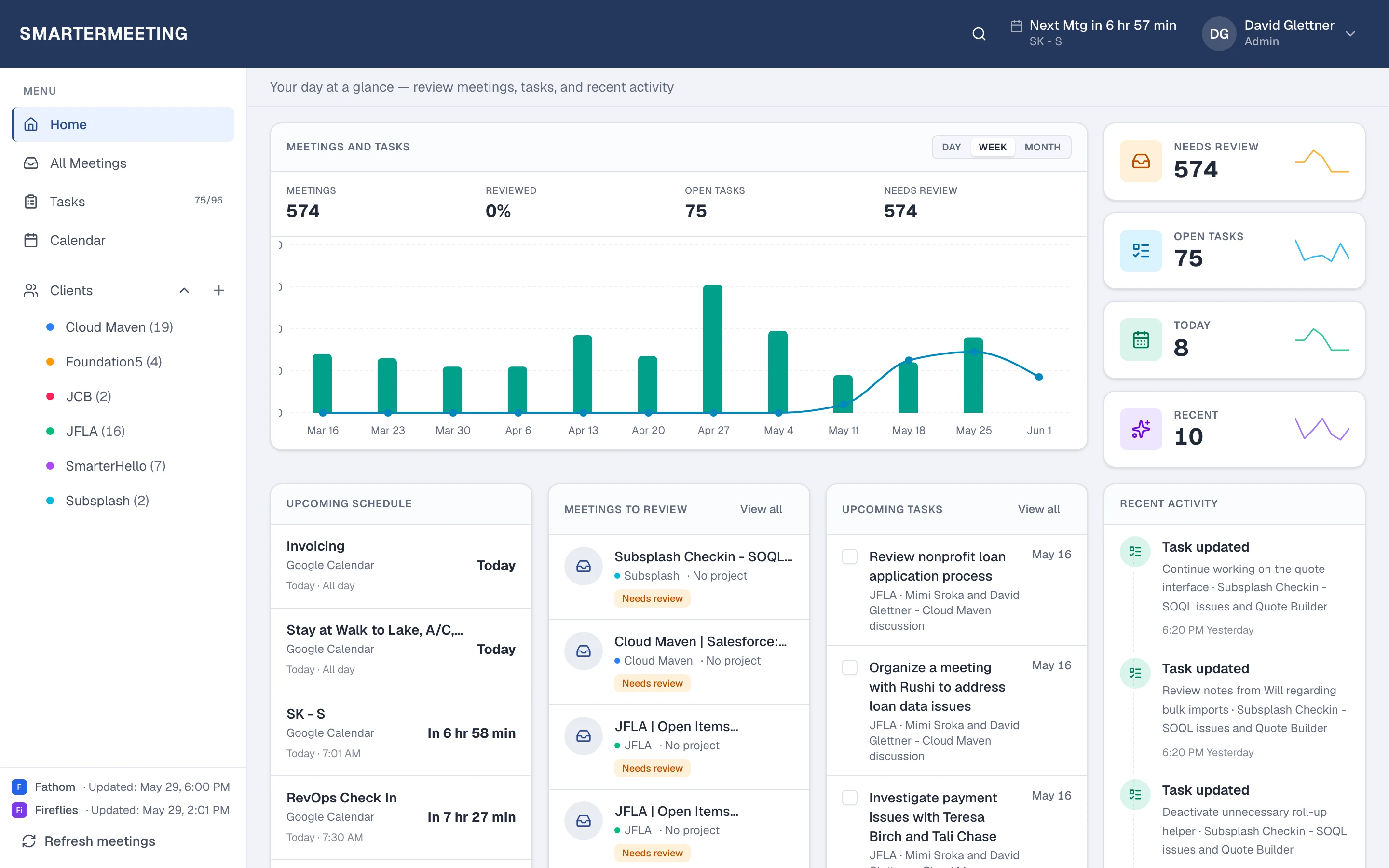
Async video often contains client decisions that never sit next to Zoom or Fathom calls in one place. SmarterMeetings syncs Loom via API key so Loom recordings appear alongside meetings imported from your other providers—with the same client tags and review workflow.
Loom async video & Loom AI vs SmarterMeetings
A side-by-side view of what each tool is built for—not a replacement, but complementary roles in your stack.
| Capability | Loom async video & Loom AI | SmarterMeetings |
|---|---|---|
| Async screen recording | Yes — Loom core | Syncs Loom into meeting workspace |
| Loom AI summaries | Yes | Summary + custom prompts in workspace |
| Synced calls from other recorders | Not Loom's focus — async video | Imports Zoom, Fathom, Teams, etc. into same inbox |
| Client organization | Folders / workspace sharing | Client tags across Loom + synced calls |
| Task tracking | Comments on video | Cross-meeting task list |
| Salesforce | Manual | Available on eligible plans |
When Loom async video & Loom AI is enough
- Async-only updates with no calendar client calls to track
- Individual creators who do not need shared CRM discipline
- No requirement to combine Loom with other recorders
When teams add SmarterMeetings
- Agencies mixing Loom deliverables with calendar client calls
- Tagging async recordings to the same client account
- AI summaries and tasks from long Loom walkthroughs
- One searchable history for delivery and account teams

SmarterMeetings connects to Loom via API key. See setup details on the Loom integration page.
How teams use both together
- 1
1. Connect Loom
API key from your Loom workspace.
- 2
2. Tag to clients
Associate async videos with the right account.
- 3
3. Connect meeting providers
Add Zoom or Fathom so synced calls and Loom share one timeline.
Frequently asked questions
- Is Loom only for async video?
- Primarily yes. SmarterMeetings treats Loom as meeting-adjacent content alongside recordings synced from Zoom, Fathom, and your other tools in one client workspace.
- Do we still send Loom links to clients?
- Yes. SmarterMeetings syncs what you record—it does not change how you deliver Loom to stakeholders.