
Comparison guide
Salesforce is your CRM. SmarterMeetings feeds it from every call.
Keep Salesforce as the system of record. Automate meeting capture, review, and logging from every recorder.

Salesforce is where pipeline, accounts, and tasks live. Reps can log calls manually, paste notes into Activities, or use Einstein features—but the content still originates from scattered meeting tools.
SmarterMeetings does not replace Salesforce. It connects to Zoom, Fathom, Teams, and other recorders, then pushes structured summaries and tasks into Salesforce so CRM reflects what was actually said on the call.
Salesforce Activities, Notes & Einstein vs SmarterMeetings
A side-by-side view of what each tool is built for—not a replacement, but complementary roles in your stack.
| Capability | Salesforce Activities, Notes & Einstein | SmarterMeetings |
|---|---|---|
| CRM system of record | Yes — Salesforce | Integrates with Salesforce (does not replace) |
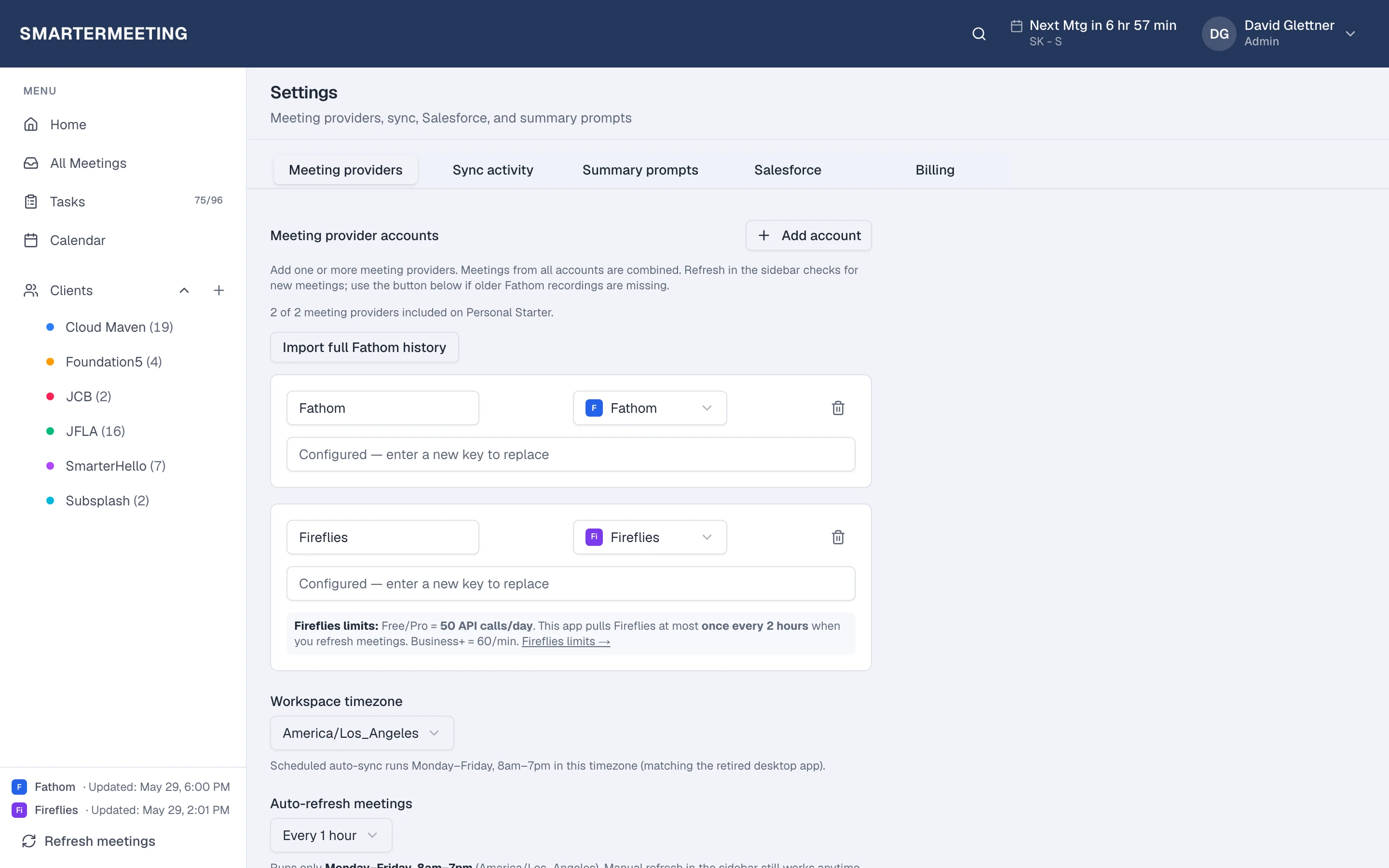
| Meeting sources connected | Manual / separate tools | 10 meeting providers synced in |
| Call logging | Rep-entered activities | Structured logs from synced meetings |
| Multi-provider history | Not applicable | Unified inbox before CRM push |
| Task creation from calls | Manual tasks | Extract + sync meeting tasks |
| AI on meeting content | Einstein (licensing) | Custom prompts on synced meetings |
When Salesforce Activities, Notes & Einstein is enough
- Low call volume with disciplined manual logging
- Single recorder and single rep owning notes end-to-end
- No multi-provider meeting sprawl
When teams add SmarterMeetings
- Meetings captured across Zoom, Fathom, Meet, Teams, etc.
- Client teams needing review before CRM updates
- Reducing retyping meeting notes into Salesforce
- Shared visibility for managers and RevOps
SmarterMeetings connects to Salesforce via OAuth on eligible plans. See the Salesforce integration page.
How teams use both together
- 1
1. Connect meeting providers
Zoom, Fathom, Teams, or others in Settings.
- 2
2. Connect Salesforce
OAuth to your Salesforce org on eligible plans.
- 3
3. Review then push
Reps approve summaries and field updates before sync.
Frequently asked questions
- Does SmarterMeetings replace Salesforce?
- No. Salesforce remains your CRM. SmarterMeetings is the meeting intelligence layer that logs into it.
- Which plans include Salesforce?
- Personal Pro and Team plans include Salesforce integration. See pricing for details.
- Can we still use Einstein?
- Yes. SmarterMeetings complements Salesforce AI by organizing meeting content before it reaches CRM.